

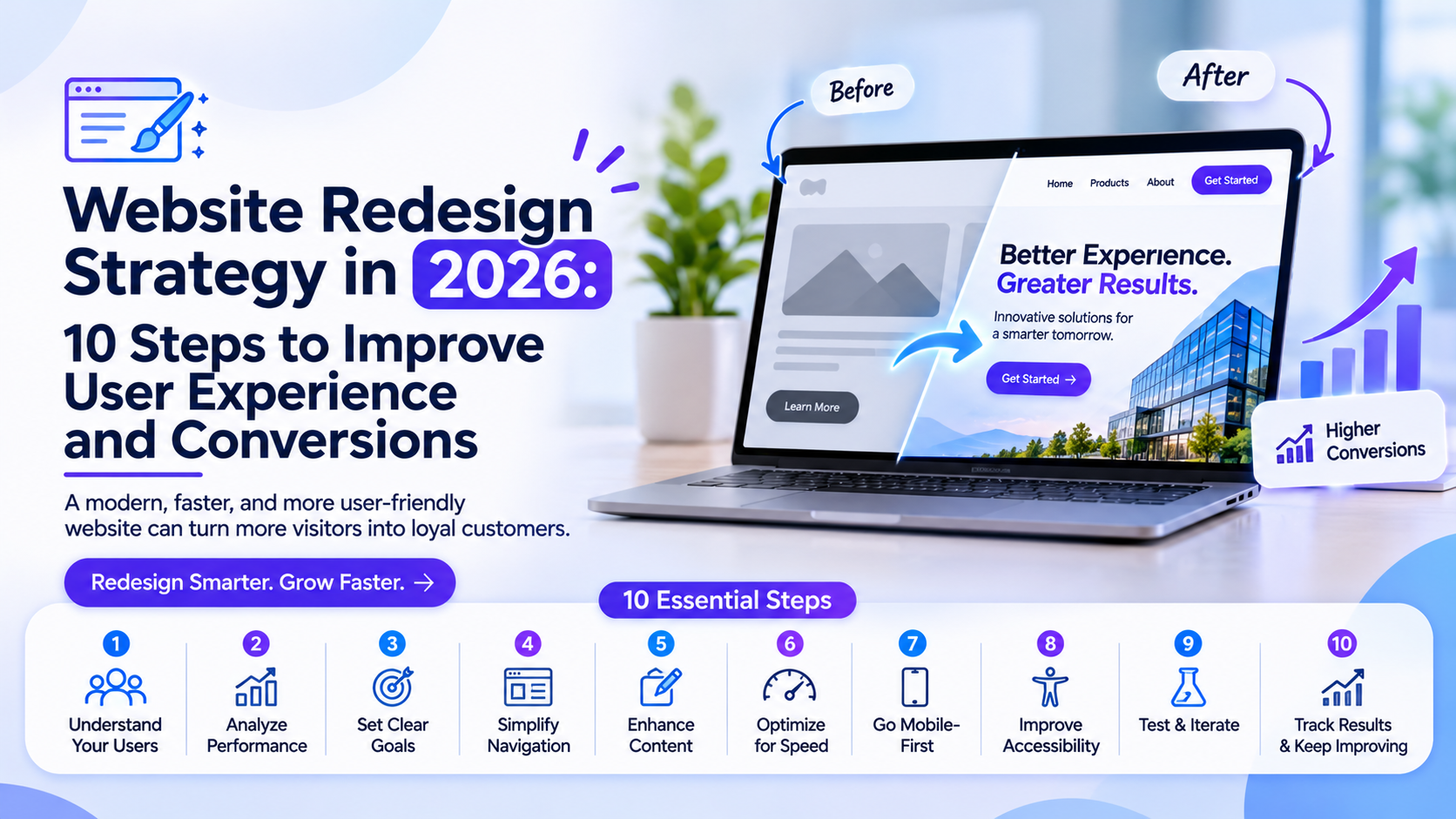
A website redesign is often treated as a visual upgrade. Businesses change colors, update typography, replace images, and introduce new layouts to make their websites look more modern. However, an effective redesign should achieve much more than a fresh appearance.
A successful website redesign improves usability, strengthens brand communication, supports business goals, and makes important information easier to find. Without a clear strategy, even an attractive redesign can create navigation problems, reduce conversions, or frustrate existing customers.
In 2026, businesses need to approach website redesign as a complete user experience and performance improvement initiative.
1. Start With a Website Performance Audit
Before changing the design, understand what is already working and what needs improvement.
Review website analytics, conversion rates, bounce patterns, user journeys, page performance, and frequently visited pages. Heatmaps and session recordings can also reveal where visitors hesitate, click unnecessarily, or leave.
A redesign should address actual problems rather than rely entirely on assumptions.
2. Understand User Expectations
Different visitors arrive with different intentions. Some want to explore products, others need pricing information, and some are looking for customer support.
Identify the primary audience segments and understand their goals. User interviews, surveys, usability testing, and customer feedback can help reveal what visitors expect from the website.
These insights should influence page structure, navigation, content, and interaction design.
3. Simplify Website Navigation
Complicated navigation makes it harder for visitors to find relevant information.
Organize pages around user needs rather than internal department structures. Use descriptive menu labels, logical categories, and consistent navigation patterns.
For websites with extensive content, consider search functionality, contextual links, and clear page hierarchies.
4. Improve Visual Hierarchy
Visitors should quickly understand what a page offers and where to focus their attention.
Use typography, spacing, contrast, and layout to establish a clear hierarchy. Important information should be visible without competing with secondary elements.
A consistent design system can help maintain this hierarchy across landing pages, product pages, service pages, and content sections.
5. Design for Mobile and Multiple Screen Sizes
A website redesign should not simply shrink the desktop layout to fit smaller screens.
Consider how people interact with mobile websites. Navigation, forms, buttons, images, and content sections should adapt to different screen sizes.
Pay attention to touch targets, readable text, content spacing, and mobile navigation. Test important user journeys on actual devices wherever possible.
6. Make Calls to Action More Effective
Calls to action should communicate what happens next.
Replace vague labels with clear, action-oriented language. Position important actions where users naturally need them, such as after product explanations, pricing information, or customer testimonials.
Avoid presenting too many competing actions on the same screen.
7. Improve Accessibility
Accessibility should be included throughout the redesign process.
Use sufficient color contrast, meaningful heading structures, descriptive link labels, keyboard-friendly interactions, and appropriate alternative text for images.
Forms should provide understandable labels and error messages. Interactive elements should also work with assistive technologies.
Following WCAG guidance helps create more inclusive experiences and improves usability for a wider audience.
8. Optimize Images and Page Performance
Large images, unnecessary scripts, and inefficient page structures can affect loading speed.
Optimize image formats and dimensions, reduce unnecessary third-party scripts, and review caching and asset delivery. Measure Core Web Vitals to understand real-world performance.
A visually impressive website should still feel responsive during everyday use.
9. Maintain Brand Consistency
A redesign should strengthen brand recognition rather than make every page feel unrelated.
Create reusable components for buttons, forms, cards, navigation, typography, and other common elements. Document design decisions so future updates remain consistent.
A shared design system also makes collaboration between designers and developers more efficient.
10. Test Before and After Launch
Do not assume that a redesign is successful simply because the new website looks polished.
Conduct usability testing before launch and validate important journeys after deployment. Check forms, links, navigation, analytics, responsive behavior, accessibility, and browser compatibility.
After launch, monitor conversion rates, engagement, search performance, and customer feedback. Continue improving areas where visitors experience friction.
Common Website Redesign Mistakes to Avoid
Some redesign projects fail because businesses focus too heavily on appearance and overlook the underlying experience.
Common mistakes include:
- Changing navigation without understanding existing user behavior.
- Removing useful content without evaluating its purpose.
- Ignoring mobile usability.
- Introducing unnecessary animations and visual effects.
- Forgetting accessibility during development.
- Launching without proper performance and usability testing.
Avoiding these mistakes helps reduce disruption and creates a stronger foundation for future improvements.
How to Plan a Website Redesign Project
A practical redesign project usually moves through five stages:
- Discovery: Audit the existing website, business goals, and user expectations.
- Strategy: Define the information architecture, content priorities, and success metrics.
- Design: Develop wireframes, visual concepts, and reusable components.
- Development: Build responsive pages and integrate the required systems.
- Testing and optimization: Validate the experience, launch, and monitor results.
The process should involve designers, developers, content specialists, and business stakeholders from the beginning.
Final Thoughts
A website redesign should make a business easier to understand, navigate, and engage with. The strongest results come from combining user research, thoughtful information architecture, accessible design, responsive development, and continuous testing.
Companies planning complex digital experiences can also evaluate product engineering partners such as GeekyAnts, particularly when a redesign involves modern frontend development, application integrations, and scalable digital products.
The goal is not simply to create a newer-looking website. It is to build a better experience that supports users and business objectives over time.