


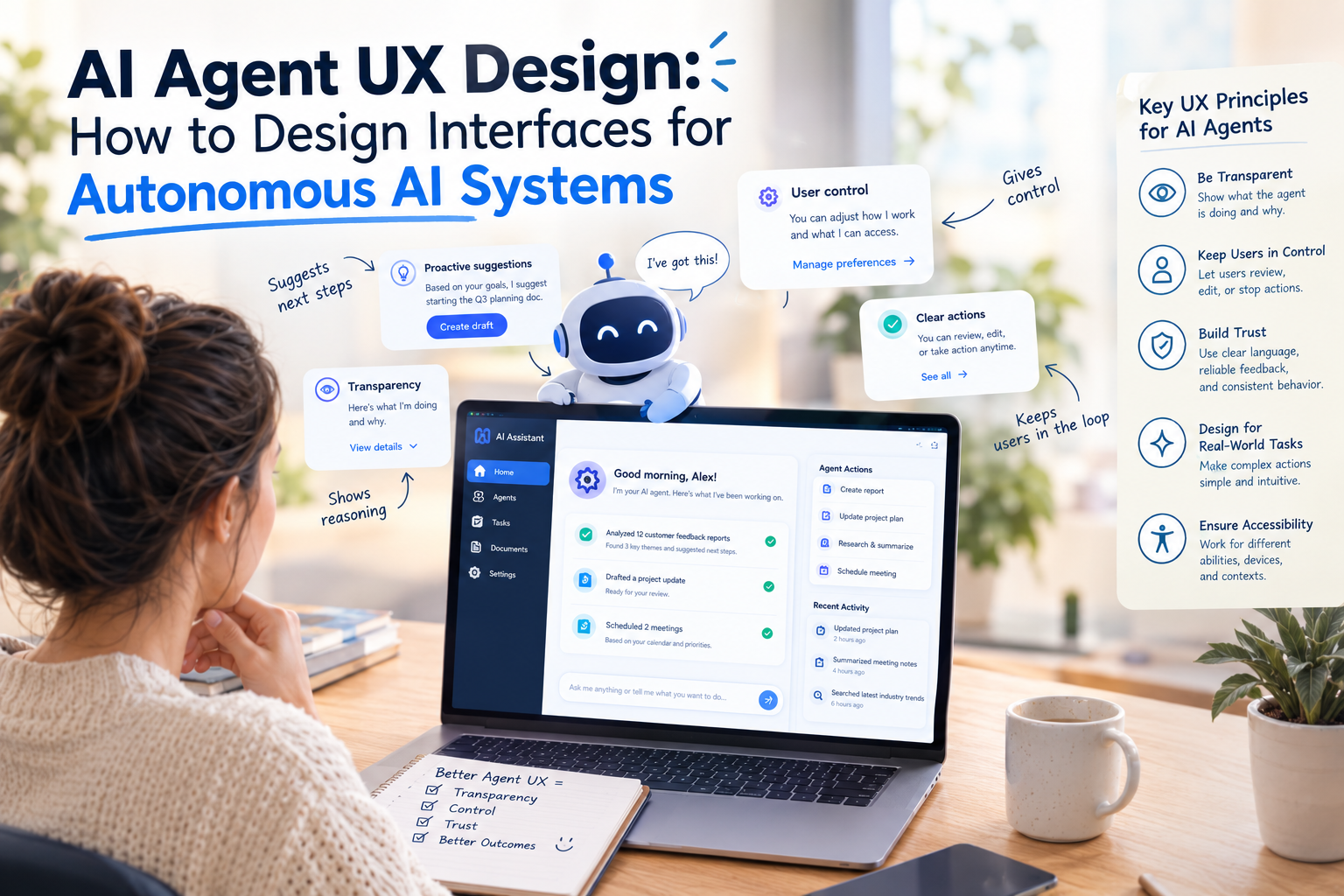
AI is changing how people interact with digital products. Instead of manually navigating menus, filling out forms, and completing every step themselves, users can increasingly delegate tasks to AI systems.
An AI agent might research information, organize a schedule, analyze business data, or execute a multistep workflow. But even when an agent can perform these tasks, users still need to understand what it is doing, guide its decisions, and intervene when necessary.
This creates a new challenge for designers: How do you design a user experience for software that can act independently?
AI agent UX design focuses on making autonomous systems understandable, controllable, and trustworthy.
What Is AI Agent UX Design?
Traditional UX design focuses on helping users navigate software and complete tasks through predictable interactions.
AI agent interfaces introduce another layer. Users may describe a goal, review an agent’s proposed plan, approve actions, and monitor progress instead of manually completing each step.
For example, a traditional project management workflow might require a user to create tasks, assign owners, set deadlines, and send notifications individually.
An AI agent could propose a complete task plan from a project brief.
The interface must then help the user understand and manage that plan.
1. Design Around User Goals
AI agent interfaces should begin with the outcome users want to achieve rather than a long list of technical controls.
Instead of asking users to configure multiple settings, an interface could offer a simple prompt:
“Prepare a launch plan for our new mobile application.”
The agent can interpret the request, identify missing information, and suggest an actionable plan.
Designers should make it easy to refine the request when the initial instructions are incomplete.
2. Make the Agent’s Plan Visible
One of the biggest UX challenges with autonomous systems is understanding what happens after a user submits a request.
A vague loading indicator is not enough for complex tasks.
A better interface can show the agent’s planned steps, such as:
- Review project requirements
- Identify dependencies
- Draft milestones
- Assign proposed owners
- Prepare a summary for approval
This makes the process easier to understand and gives users opportunities to correct assumptions before execution.
3. Show Progress and Current Status
AI agents may perform tasks that take several seconds or minutes.
The interface should communicate whether the agent is planning, processing information, waiting for approval, executing an action, or encountering an error.
Useful status labels include:
- Planning
- In progress
- Awaiting approval
- Completed
- Needs attention
- Failed
Progress indicators should reflect actual system status rather than suggesting certainty when the agent is still working.
4. Keep Users in Control
Not every AI action should happen automatically.
Low-risk tasks, such as organizing a draft or summarizing information, may be suitable for greater automation.
High-impact actions, such as sending external communications, modifying important records, or approving financial transactions, may require explicit authorization.
A good interface makes the distinction clear.
Users should be able to review, approve, reject, or modify proposed actions before they happen when appropriate.
5. Design Better Approval Flows
Approval screens should explain what the agent intends to do and why it matters.
For example, before creating project tasks, an agent could show:
Proposed action: Create eight tasks in the project workspace.
Details: Proposed owners, deadlines, and dependencies.
Available actions: Approve, edit, or reject.
This is more useful than presenting a generic confirmation button without explaining the consequences.
6. Explain Important AI Decisions
Users do not need to see every internal processing detail.
They do, however, need understandable explanations for important recommendations and actions.
For example, an agent recommending a particular deadline could explain that it considered the launch date, estimated effort, and existing dependencies.
Explanations should be relevant to the user’s decision rather than overwhelming them with technical details.
7. Make Errors Recoverable
AI agents can misunderstand instructions, encounter unavailable services, or produce incorrect results.
The interface should communicate what failed and what the user can do next.
Instead of displaying only “Something went wrong,” it could explain that a task could not be created because the project workspace was unavailable.
Useful recovery options might include retrying, editing the request, or completing the action manually.
8. Provide an Activity History
For agents that perform multiple actions, users need a reliable way to review what happened.
An activity history can show:
- The original user request
- Actions proposed by the agent
- Approved actions
- Completed operations
- Failed operations
- Changes made by the user
This is especially valuable in enterprise applications where accountability and traceability matter.
9. Design for Interruptions and Handoffs
Users should not have to restart a workflow every time they need to intervene.
A well-designed agent interface can allow users to pause execution, modify instructions, answer clarification questions, or resume a task.
It should also distinguish between work that is completed and work that remains pending.
This makes long-running workflows easier to manage.
10. Measure Agent UX Beyond Task Completion
A task may technically finish while still producing a frustrating experience.
Product teams should evaluate more than whether the agent completed an operation.
Useful measures include:
- Task success rate
- User correction frequency
- Approval and rejection rates
- Recovery time after errors
- Time saved
- User confidence
- Unintended action rate
These metrics help identify whether automation genuinely improves the experience.
Accessibility and AI Agent Interfaces
Agent interfaces should support clear language, keyboard navigation, readable status indicators, and accessible feedback.
Users should not be required to rely exclusively on color, animation, voice, or conversational input to understand what is happening.
Accessible design is especially important when agents are embedded in productivity tools used by diverse teams.
The Role of Human-Centered Design
AI agents introduce new interaction patterns, but established UX principles remain important.
Users still need clear feedback, predictable controls, understandable language, and a way to recover from mistakes.
The difference is that designers must now consider not only how people interact with software, but also how people supervise software that takes action on their behalf.
Companies such as GeekyAnts work across UI/UX, AI-powered product engineering, and digital product development, areas that intersect when designing interfaces for AI-driven workflows.
Final Thoughts
AI agent UX design is about more than adding a chat window to an application.
It requires thoughtful decisions about visibility, autonomy, approvals, explanations, error recovery, and user control.
The strongest interfaces allow AI systems to handle repetitive work while keeping people informed and empowered to intervene.
The goal is not to make AI look autonomous. It is to make autonomous behavior understandable and useful to the people relying on it.