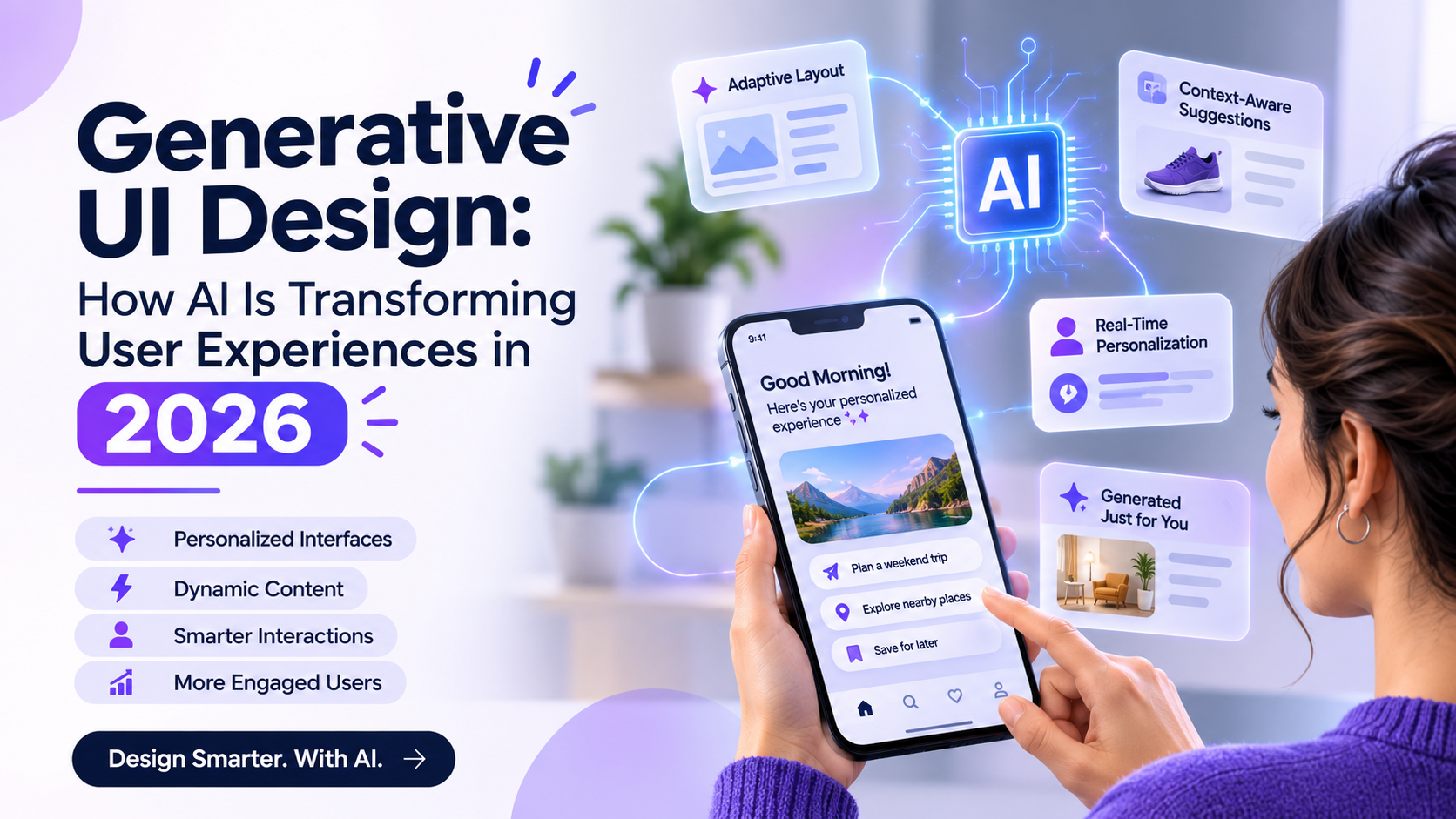
Artificial intelligence is changing how digital products are designed and experienced. Traditional interfaces rely on predefined layouts, navigation structures, and interaction patterns. Generative UI introduces a different approach: interfaces can adapt their content, layout, and recommendations based on user needs, context, and interactions.
For businesses building SaaS platforms, financial applications, healthcare products, and enterprise software, this creates new opportunities to make digital experiences more relevant and efficient.
However, designing AI-powered interfaces requires more than adding a chatbot or generating screens automatically. Product teams must consider usability, accessibility, transparency, consistency, and user control.
This guide explores generative UI design, its applications, benefits, challenges, and best practices for building intelligent digital experiences.
What Is Generative UI Design?
Generative UI is an approach in which artificial intelligence helps create, modify, or personalize interface elements based on user input, context, or changing requirements.
Instead of displaying exactly the same interface to every user, an application may dynamically present relevant information, suggested actions, layouts, or workflows.
For example, an AI-powered project management platform could display a summary of overdue tasks, highlight project risks, and recommend the next actions based on a user’s role and responsibilities.
Generative UI can involve:
- AI-generated interface layouts and components
- Context-aware dashboards
- Dynamic content and recommendations
- Conversational interactions
- Personalized navigation and workflows
- Adaptive forms and input experiences
It is important to distinguish generative UI from ordinary personalization. Showing a user’s name or recommending products based on browsing history is personalization. Generative UI goes further by potentially changing how information and interactions are presented.
Why Generative UI Is Becoming Important in 2026
Users increasingly expect applications to understand their goals and help them complete tasks without unnecessary navigation.
Several developments are contributing to this shift:
1. Generative AI Is Becoming Part of Product Workflows
AI is moving beyond standalone chat interfaces and becoming integrated into everyday software experiences. Users can summarize information, generate content, explore data, and complete tasks within the applications they already use.
2. Interfaces Are Becoming More Context-Aware
Traditional interfaces often show the same content regardless of a user’s immediate goal. AI can help determine which information and actions are relevant in a particular situation.
3. Natural-Language Interaction Is Expanding
Users can increasingly express their requirements in everyday language instead of navigating complex menus or filling out multiple forms.
4. Design and Engineering Workflows Are Converging
AI-assisted design tools can help generate layouts, explore variations, and accelerate prototyping. When connected to approved design systems and components, these workflows can reduce repetitive work while maintaining greater consistency.
Key Applications of Generative UI in UX Design
1. AI-Generated Dashboards
Dashboards often contain large amounts of information, but different users need different insights.
A generative interface can help present relevant metrics based on user roles, tasks, and current priorities.
For example:
- A sales manager may see pipeline performance and pending deals.
- A finance manager may see cash flow and outstanding payments.
- A project manager may see deadlines, blockers, and resource allocation.
The objective is to help users find important information without navigating unnecessary sections.
2. Adaptive User Onboarding
Traditional onboarding often follows a fixed sequence of instructions. AI-assisted onboarding can adapt explanations and suggested actions based on user behavior and experience.
A first-time user may receive more guidance, while an experienced user may be directed toward advanced functionality.
Designers must ensure that adaptive onboarding remains predictable and that users can skip or revisit instructions.
3. Conversational Interfaces
Conversational UI allows users to interact with applications through natural language.
For example, a user could ask a financial application, “Show my monthly spending by category,” and receive a visual breakdown with relevant filters.
A well-designed conversational experience should support clarification, corrections, visible actions, and access to the underlying information.
4. Dynamic Forms
AI can help simplify complex forms by showing relevant fields based on previous answers.
For example, an insurance application may ask different follow-up questions depending on the type of claim.
The interface should explain why additional information is required and allow users to review their answers before submission.
5. Personalized Content Discovery
Media platforms, eCommerce applications, and learning products can use AI to adapt content discovery based on user interests and interactions.
However, personalization should not create restrictive information bubbles. Users should retain meaningful control over recommendations and content preferences.
6. AI-Assisted Accessibility
AI can support accessibility through features such as natural-language assistance, image descriptions, speech interaction, and content simplification.
These capabilities should supplement established accessibility practices rather than replace semantic structure, keyboard support, contrast requirements, and assistive technology testing.
How to Design Effective Generative UI Experiences
Generative interfaces introduce additional design considerations because their output may change over time.
Step 1: Identify a Real User Problem
Start with a specific user need rather than introducing AI simply because it is available.
Ask:
- What task takes users too much time?
- Which decisions require difficult information gathering?
- Where do users repeatedly need assistance?
- Could a dynamic interface genuinely improve task completion?
Not every interface needs generative AI. A simple, predictable screen may be more effective for a straightforward task.
Step 2: Define the AI’s Role
Decide exactly what the AI is allowed to generate or modify.
For example, it might:
- Rearrange dashboard widgets.
- Suggest relevant actions.
- Summarize information.
- Generate form questions.
- Recommend navigation paths.
Define which parts of the experience must remain fixed, especially around sensitive operations and critical user actions.
Step 3: Establish Design System Constraints
AI-generated interfaces can become visually inconsistent when they are not connected to a clear design system.
Define approved:
- Colors and typography
- Spacing and layout rules
- Components and interaction patterns
- Responsive behavior
- Accessibility requirements
- Content and validation guidelines
A governed component library can help AI-generated output remain consistent with the product’s visual language.
Step 4: Design for Unpredictable Outputs
Unlike static interfaces, AI-powered experiences may produce incomplete, irrelevant, or unexpected results.
Design appropriate states for:
- Loading and processing
- Empty or unavailable results
- Uncertain answers
- Failed generations
- User corrections
- Regeneration and retry
- Human review and approval
Users should understand what the system is doing and what they can do if the result is incorrect.
Step 5: Make AI Actions Transparent
Users should be able to distinguish between information retrieved from a reliable source, AI-generated suggestions, and actions already completed.
Provide appropriate explanations, source references, confirmation steps, and undo options.
Step 6: Test With Real Users
Test the complete experience rather than evaluating only the generated screen.
Observe whether users understand the interface, trust the output appropriately, recover from errors, and complete their tasks successfully.
Challenges of Generative UI Design
Maintaining Interface Consistency
Dynamically generated layouts may create inconsistent navigation, visual hierarchy, and component behavior.
Approach: Use approved components, design tokens, layout constraints, and clear generation rules.
Managing AI Hallucinations
AI-generated content may be inaccurate or incomplete.
Approach: Validate outputs, use trusted data sources, communicate uncertainty, and provide human review for high-impact decisions.
Protecting User Privacy
Personalized experiences may rely on sensitive user information.
Approach: Apply data minimization, consent controls, appropriate access restrictions, and transparent data practices.
Avoiding Excessive Personalization
An interface that changes too frequently can become difficult to learn.
Approach: Preserve stable navigation and core interaction patterns. Personalize only where it improves the user’s task.
Ensuring Accessibility
Dynamically changing content can create challenges for keyboard navigation, screen readers, focus management, and cognitive accessibility.
Approach: Test generated states against accessibility requirements and provide predictable interaction patterns.
How to Measure the Success of Generative UI
The effectiveness of generative UI should be measured through user outcomes rather than the number of AI features implemented.
Consider tracking:
- Task completion rate
- Time required to complete important tasks
- User correction and regeneration rates
- Navigation success
- AI output acceptance rates
- Error and abandonment rates
- Accessibility test results
- User satisfaction and trust
For example, if an AI-generated dashboard is intended to help users identify project risks faster, measure how efficiently users find and understand those risks compared with the previous experience.
The Future of Generative UI Design
Generative UI is likely to become more integrated with design systems, conversational experiences, and intelligent product workflows.
Designers will increasingly need to consider not only how a screen looks, but also how the system decides what to display, how it responds to user input, and how people understand its limitations.
UX researchers, designers, product managers, and engineers will need to work together to evaluate both interface quality and AI behavior.
The role of the designer will remain essential: AI can generate possibilities, but human-centered design determines whether those possibilities are useful, understandable, and responsible.
Final Thoughts
Generative UI represents an important shift in digital product design. It creates opportunities to build interfaces that adapt to user needs, simplify complex workflows, and make information easier to access.
But flexibility should not come at the cost of usability. Successful generative experiences require clear design systems, predictable interaction patterns, accessible interfaces, and appropriate user control.
For businesses exploring AI-powered digital products, the best starting point is a genuine user problem. When AI improves an existing experience rather than complicating it, generative UI can deliver meaningful product value.