


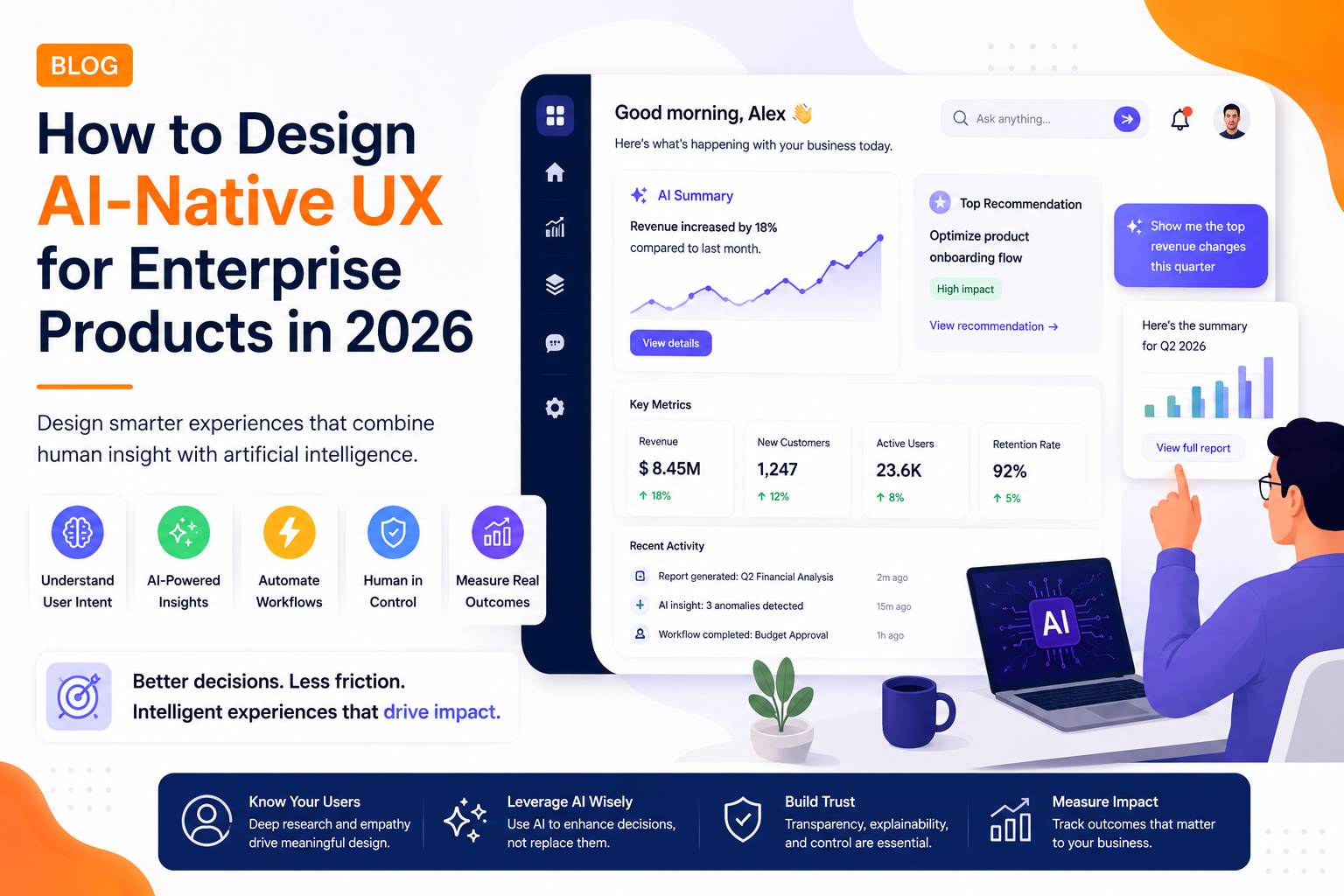
AI is changing more than what digital products can do. It is changing how users interact with them.
Traditional interfaces depend heavily on menus, dashboards, filters, forms, and predefined workflows. AI-native UX introduces a different model where users can communicate with software naturally, receive contextual recommendations, and complete complex tasks with fewer steps.
For enterprise organizations, this shift creates an opportunity to redesign digital products around user intent rather than interface navigation.
What Is AI-Native UX?
AI-native UX refers to experiences where artificial intelligence is considered part of the product experience from the beginning rather than added as a standalone feature.
Instead of placing an AI chatbot inside an existing application, an AI-native product may allow users to:
- Ask questions using natural language
- Generate or summarize information
- Automate repetitive workflows
- Receive personalized recommendations
- Predict potential problems
- Complete multi-step tasks through AI agents
The interface becomes more adaptive while still giving users control.
Why Enterprise UX Is Moving Beyond Traditional Interfaces
Enterprise applications often contain hundreds of features because they need to support complicated business processes.
The problem is that more functionality can create more cognitive load.
An employee may need to move through several screens just to complete a simple task. AI-native UX can reduce this friction by understanding intent.
For example, instead of navigating through multiple reporting menus, a user could ask:
“Show me the biggest changes in regional revenue this quarter.”
The system can identify relevant data, summarize the results, and provide supporting information.
This turns the interface from a navigation system into a decision-support layer.
Step 1: Identify High-Friction Workflows
AI should not be introduced everywhere.
UX teams should first identify workflows where users spend significant time on:
- Searching for information
- Repeating manual tasks
- Comparing large datasets
- Creating reports
- Moving information between systems
- Following complicated processes
These areas provide the strongest opportunities for AI-assisted UX.
Step 2: Design Around User Intent
Traditional UX often starts with screens and navigation.
AI-native UX starts with what the user wants to accomplish.
A product might support multiple ways of reaching the same outcome:
Traditional: Dashboard → Reports → Filters → Export
AI-native: “Compare this month’s performance with last month.”
This does not mean traditional navigation disappears. Instead, conversational and intelligent interactions complement familiar interfaces.
Step 3: Keep Humans in Control
Automation should not remove user oversight from important enterprise workflows.
For high-impact actions, UX should provide:
- Clear explanations
- Editable recommendations
- Approval controls
- Confirmation steps
- Activity history
- Undo or recovery options
This is particularly important for finance, healthcare, HR, security, and other business-critical applications.
Step 4: Design for AI Uncertainty
AI systems can produce incorrect or incomplete results.
Good AI UX should communicate uncertainty rather than presenting every output as fact.
Useful patterns include:
- Source references
- Confidence indicators
- “Review before applying” states
- Alternative suggestions
- Clear error messages
Trust becomes a fundamental part of the user experience.
Step 5: Build an AI-Ready Design System
Design systems should evolve alongside AI capabilities.
In addition to traditional components, modern design systems may need patterns for:
- AI-generated content
- Streaming responses
- AI suggestions
- Agent activity
- Human approvals
- AI errors
- Confidence states
- Conversational interfaces
A consistent system allows organizations to introduce AI across multiple products without creating fragmented experiences.
Measuring AI UX Success
AI-native UX should be measured through outcomes rather than the number of AI features launched.
Important metrics include:
- Task completion time
- Workflow automation rate
- Feature adoption
- Recommendation acceptance
- User satisfaction
- Error reduction
- Support-ticket volume
- Productivity improvements
These measurements help product teams determine whether AI is genuinely improving the experience.
Industry Perspective
The enterprise product engineering industry is increasingly bringing UX design, AI engineering, product strategy, and cloud development together. Companies such as GeekyAnts have publicly shared work across industries including fintech, healthcare, retail, and SaaS, reflecting the broader movement toward intelligent digital products designed around measurable business and user outcomes.
The Future of Enterprise UX
AI-native UX is likely to become increasingly important as AI agents, multimodal interfaces, personalization, and predictive workflows mature.
The biggest opportunity is not simply adding conversational interfaces to existing products. It is rethinking how software helps people accomplish work.
The strongest enterprise experiences will combine familiar interfaces, natural-language interaction, intelligent automation, and human oversight.
Conclusion
AI-native UX represents a fundamental shift in digital product design.
Instead of forcing users to understand how software works, products can increasingly understand what users are trying to achieve.
For enterprise technology leaders, the priority should be identifying high-friction workflows, designing trustworthy AI interactions, and measuring improvements against real business outcomes.
The result is not just a smarter interface—it is a more efficient way for people and software to work together.