

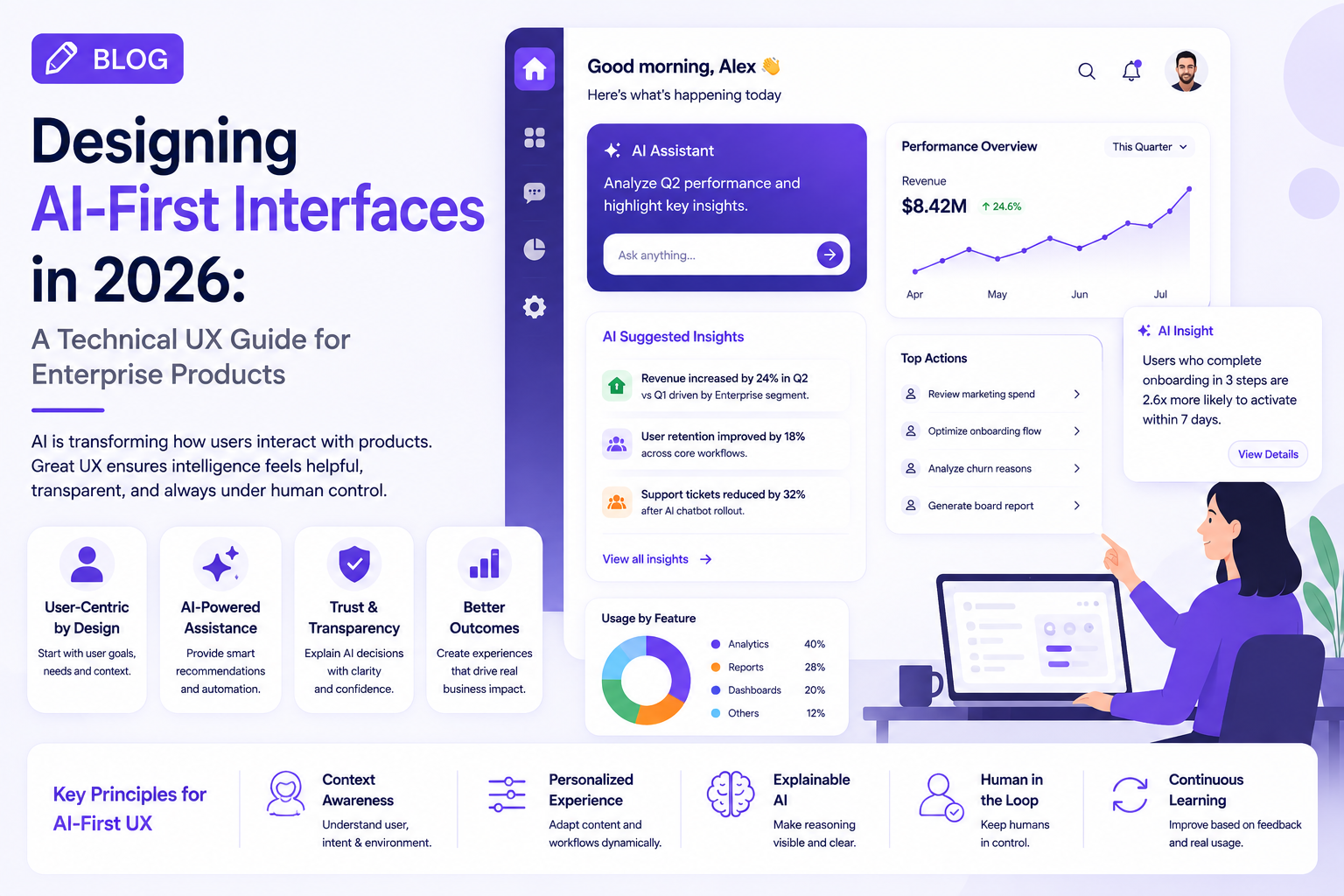
Personalization has moved far beyond showing a user’s name or recommending recently viewed products.
Enterprise applications now have access to large amounts of behavioral, operational, and contextual data. Combined with AI, that data can help digital products adapt to what users actually need at a particular moment.
But personalization can also make products confusing when it is implemented without a clear UX strategy.
The challenge for enterprise product teams in 2026 is therefore not simply how to personalize an interface, but how to make personalization useful without making the experience unpredictable.
What Is Personalized UX?
Personalized UX changes aspects of a digital experience based on the user’s needs, role, behavior, preferences, or context.
For example, the same enterprise platform might provide different experiences for:
- A C-level executive
- A sales manager
- A customer support representative
- A financial analyst
- An operations manager
Each person may work with the same underlying platform but require completely different information.
Personalized UX allows the interface to prioritize what is most relevant to each user.
Why Traditional One-Size-Fits-All Interfaces Struggle
Enterprise applications often accumulate features over time.
A typical platform may contain:
- Dozens of reports
- Multiple dashboards
- Complex workflows
- Notifications
- Administrative settings
- Integrations
- Analytics
- Search tools
Putting everything in front of every user creates cognitive overload.
Personalization provides an opportunity to reduce that complexity.
Instead of asking users to find what matters, the product can bring important information forward.
Personalization Should Start With Context
The most effective personalization is not always based on historical behavior.
Context can be equally important.
Consider a project management application.
A project manager beginning the workday might need:
Open blockers → overdue tasks → team capacity → critical deadlines
The same person later in the day may need:
Project updates → approvals → stakeholder messages
The interface can adapt according to the user’s current workflow rather than permanently displaying the same dashboard.
AI Makes Adaptive UX More Practical
AI can help products identify patterns that would be difficult to manage with manually configured rules.
An intelligent system can potentially identify:
- Frequently used features
- Repeated workflows
- Unusual behavior
- Important changes
- Relevant content
- Emerging priorities
For example, if an executive regularly reviews a particular group of metrics before a weekly meeting, the application could prioritize those metrics automatically.
However, personalization should remain understandable.
Users should know why something is being recommended or prioritized.
Give Users Control Over Personalization
One of the biggest UX mistakes is making personalization impossible to change.
Users should have options such as:
- Customize dashboard
- Pin important information
- Hide irrelevant content
- Change preferences
- Reset recommendations
- Control notifications
This creates a balance between automation and user control.
The product can learn from the user without taking complete control of the experience.
Personalization and Privacy Must Work Together
Personalized UX depends on data, which makes privacy an important part of the design.
Enterprise teams should consider:
- What information is being collected?
- Why is it being collected?
- How long is it retained?
- Who can access it?
- Can users control personalization?
- How is sensitive information protected?
Privacy should be treated as a UX requirement rather than only a compliance requirement.
Build Personalization Into the Design System
Personalization becomes difficult to scale when every product team creates its own approach.
Enterprise design systems can establish patterns for:
- Personalized dashboards
- Recommended actions
- Dynamic navigation
- Smart notifications
- Contextual suggestions
- Adaptive search
- Preference controls
This gives teams a consistent foundation for building adaptive experiences.
How to Measure Personalized UX
Personalization should be evaluated through measurable outcomes.
Useful metrics include:
- Task completion time
- Feature discovery
- Search success rate
- User engagement
- Workflow completion
- Notification interaction
- User satisfaction
- Repeated usage
If personalization increases the number of features displayed but makes the product harder to use, it is not successful personalization.
Industry Perspective
Enterprise product engineering is increasingly combining UX research, AI, data engineering, and product strategy to create more adaptive digital experiences. Companies such as GeekyAnts have publicly showcased work across enterprise product engineering and AI-powered solutions, reflecting the broader movement toward products designed around individual workflows rather than generic user journeys.
Conclusion
Personalized UX is becoming an important part of modern enterprise product design.
But personalization should not mean changing everything automatically.
The strongest experiences use context, AI, user preferences, and behavioral signals to surface relevant information while keeping users in control.
For enterprise teams, the best starting point is to identify where users currently spend time searching, switching between screens, or repeating actions—and then design personalization around those high-friction moments.