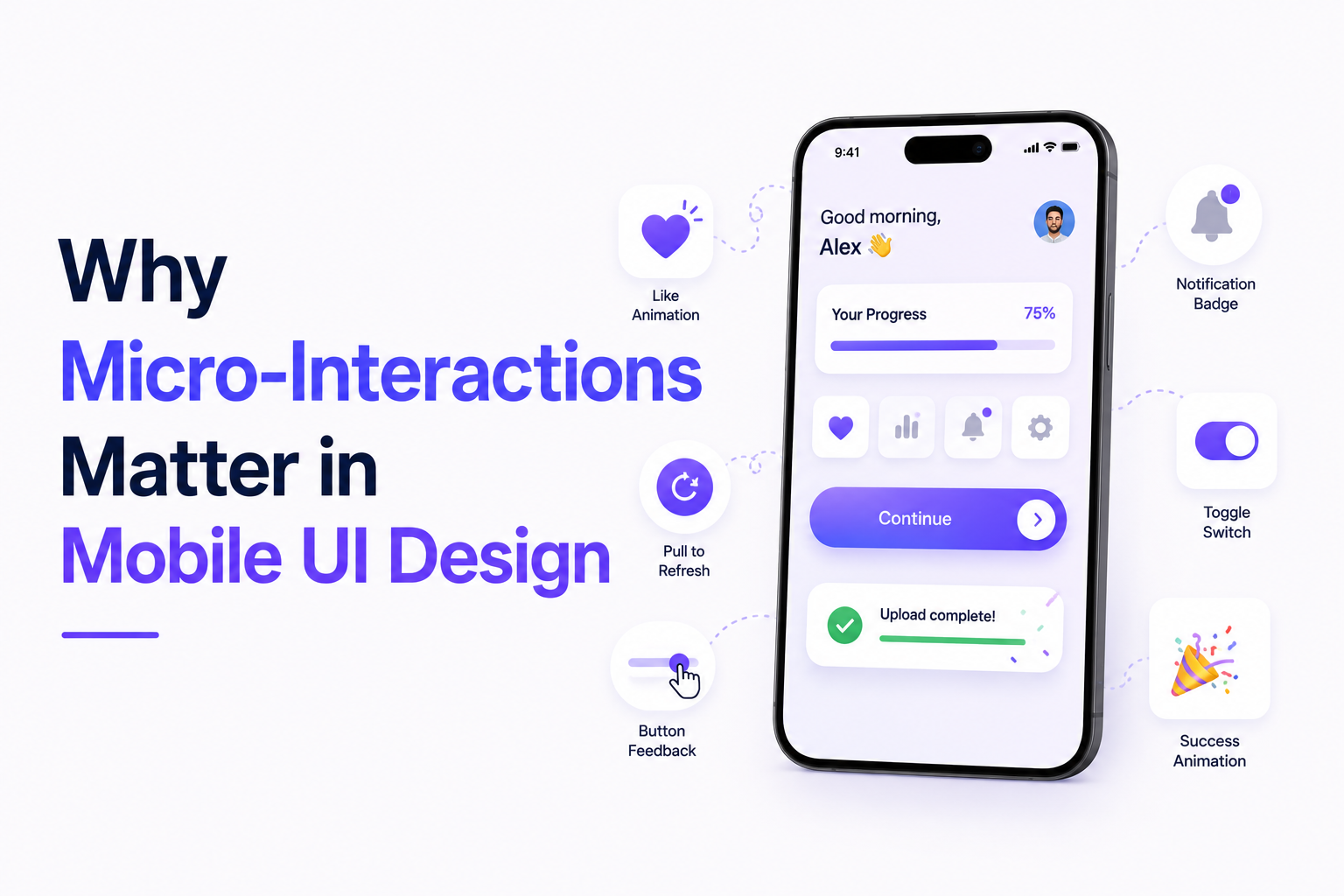
Most users never consciously notice micro-interactions inside mobile applications. But they notice immediately when those interactions are missing.
A button that responds smoothly to touch. A subtle animation confirming a successful payment. A swipe gesture that feels natural. A loading state that reduces frustration during delays. These small moments shape how users experience an application far more than many product teams realize.
In 2026, mobile UI design is no longer judged only by visual aesthetics. Users now expect applications to feel responsive, intuitive, and emotionally seamless during every interaction.
That is where micro-interactions become important.
Micro-interactions are the small feedback driven moments that guide users through digital experiences. They help users understand actions, reduce uncertainty, and create smoother navigation patterns across applications.
The impact may appear subtle, but the business value is significant.
Apps with poor interaction feedback often feel slow, confusing, or unfinished even when functionality works correctly. On the other hand, applications with thoughtful micro-interactions tend to feel faster, more polished, and easier to use.
This directly affects user retention.
Modern mobile users have extremely low tolerance for friction. Even minor usability issues can increase abandonment rates, reduce session duration, and weaken long term engagement. As mobile competition continues growing across industries, experience quality has become one of the strongest differentiators between successful apps and forgettable ones.
This is especially true for AI powered apps, fintech products, ecommerce platforms, healthcare systems, and productivity applications where users expect both speed and clarity.
A recent GeekyAnts article about building a production ready image cropper in React Native highlighted how interaction precision, responsiveness, and production quality directly affect user experience inside mobile interfaces. Even highly technical UI components can significantly influence how polished and reliable an app feels to users.
That reflects a broader design trend across the mobile ecosystem.
According to research and UX principles discussed by Nielsen Norman Group and Interaction Design Foundation, micro-interactions play a major role in usability because they provide feedback, reinforce actions, and guide user behavior naturally.
These small interaction layers often determine whether an app feels modern or outdated.
Why Small UI Details Have a Bigger Impact Than Teams Expect
One of the biggest misconceptions in mobile design is assuming users primarily evaluate applications based on features alone.
In reality, users often judge products based on how interactions feel during routine actions.
A login process that feels smooth creates confidence. A laggy transition creates hesitation. A well designed loading state reduces frustration during delays. These moments shape emotional perception continuously throughout the user journey.
Micro-interactions help bridge the gap between functionality and usability.
Without them, interfaces feel static and disconnected. Users may struggle to understand whether actions succeeded, whether systems are processing correctly, or whether navigation flows are working as expected.
This uncertainty increases cognitive friction.
Good micro-interactions reduce that friction by making interfaces feel alive and predictable. They provide immediate feedback without overwhelming users with excessive visual effects.
Successful mobile apps typically use micro-interactions to support:
- Navigation clarity
- Gesture feedback
- Error prevention
- Loading communication
- State transitions
- Action confirmations
- Progress visibility
These elements improve usability without requiring conscious user attention.
The growing popularity of gesture driven mobile interfaces has made micro-interactions even more important. Many modern apps now depend heavily on swipes, drag interactions, touch responses, and motion based navigation systems.
Without clear interaction feedback, these experiences become confusing quickly.
Performance also matters significantly.
Poorly optimized animations or inconsistent interaction behavior can make applications feel unreliable even when the design itself looks attractive. This is why production quality engineering is becoming closely tied to UI design strategy.
A visually appealing interface alone is no longer enough.
Users expect interactions to feel fast, natural, and technically stable across different devices and operating systems. Mobile applications that fail to maintain consistency across environments often struggle with retention.
This is especially relevant for cross platform frameworks like React Native and Flutter where teams aim to deliver unified experiences across iOS and Android ecosystems simultaneously.
Companies like Apple, Google, and Adobe continue influencing modern mobile interaction standards where responsiveness and interaction clarity are becoming essential parts of digital product quality.
Why Production Ready UI Components Matter More in 2026
As mobile apps become more advanced, the expectations around interaction quality continue rising.
Users no longer compare apps only within the same industry. A banking app is indirectly compared to the fluidity of social platforms. A healthcare app is evaluated against the usability of productivity tools. Every digital experience shapes broader user expectations.
This creates pressure on product teams to focus more deeply on interaction quality.
Many organizations now realize that inconsistent UI behavior damages trust quickly. Even small issues like delayed transitions, broken gestures, or awkward feedback animations can make products feel unreliable.
That is why production ready UI components are becoming more valuable.
Reusable interaction systems help teams maintain consistency across applications while reducing engineering overhead. Instead of rebuilding interaction logic repeatedly, teams increasingly invest in scalable design systems and tested component libraries.
This improves both development speed and user experience quality.
The rise of AI powered mobile applications is also changing interaction design requirements.
AI workflows are often dynamic and less predictable than traditional interfaces. Users need stronger visual feedback to understand what systems are processing, generating, or updating in real time.
Micro-interactions help create transparency during these experiences.
For example, conversational AI apps use typing indicators, progressive loading states, and contextual transitions to reduce uncertainty during AI responses. Ecommerce apps use animated feedback to reinforce actions during checkout flows. Productivity apps use subtle transitions to guide multitasking behavior.
These details may appear small individually, but collectively they shape trust and usability significantly.
Another growing challenge is interaction overload.
Some applications attempt to improve engagement by adding excessive animations and visual effects. In reality, overdesigned interactions often reduce clarity and create distraction.
The best micro-interactions usually feel invisible because they support the experience naturally instead of demanding attention.
That balance is becoming increasingly important for product teams focused on long term usability rather than short term visual impact.
What Mobile Product Teams Should Prioritize in 2026
For UX designers, product managers, and mobile engineering teams, micro-interactions should no longer be treated as optional finishing touches.
They are becoming part of core product experience strategy.
Several priorities are becoming increasingly important.
First, teams should design interactions around usability rather than decoration. Every micro-interaction should support clarity, feedback, or navigation flow.
Second, organizations should prioritize performance optimization alongside visual design. Smooth interactions matter more than visually complex animations.
Third, cross platform consistency needs stronger attention. Users expect similar interaction quality across Android, iOS, tablets, and web connected environments.
Fourth, teams should test interaction behavior with real users instead of relying only on internal design reviews. Small friction points often become visible only during actual usage patterns.
Most importantly, companies should recognize that users rarely separate design quality from product quality.
A technically powerful app can still feel frustrating if interactions feel slow or inconsistent. Meanwhile, even relatively simple applications can create strong engagement when interactions feel polished and intuitive.
As mobile ecosystems continue evolving, micro-interactions are becoming one of the clearest indicators of product maturity.
The companies building the strongest digital experiences today are often the ones paying close attention to the smallest details inside the interface.
Because in modern mobile design, users may not consciously remember every interaction but they always remember how the app made them feel.