

Digital products are becoming more feature-rich, but adding functionality does not always improve the user experience. When users face too many choices, unclear navigation, or excessive information, even simple tasks can become frustrating.
This is where cognitive load matters. Good UX design helps people understand information, make decisions, and complete tasks without unnecessary mental effort.
What Is Cognitive Load in UX?
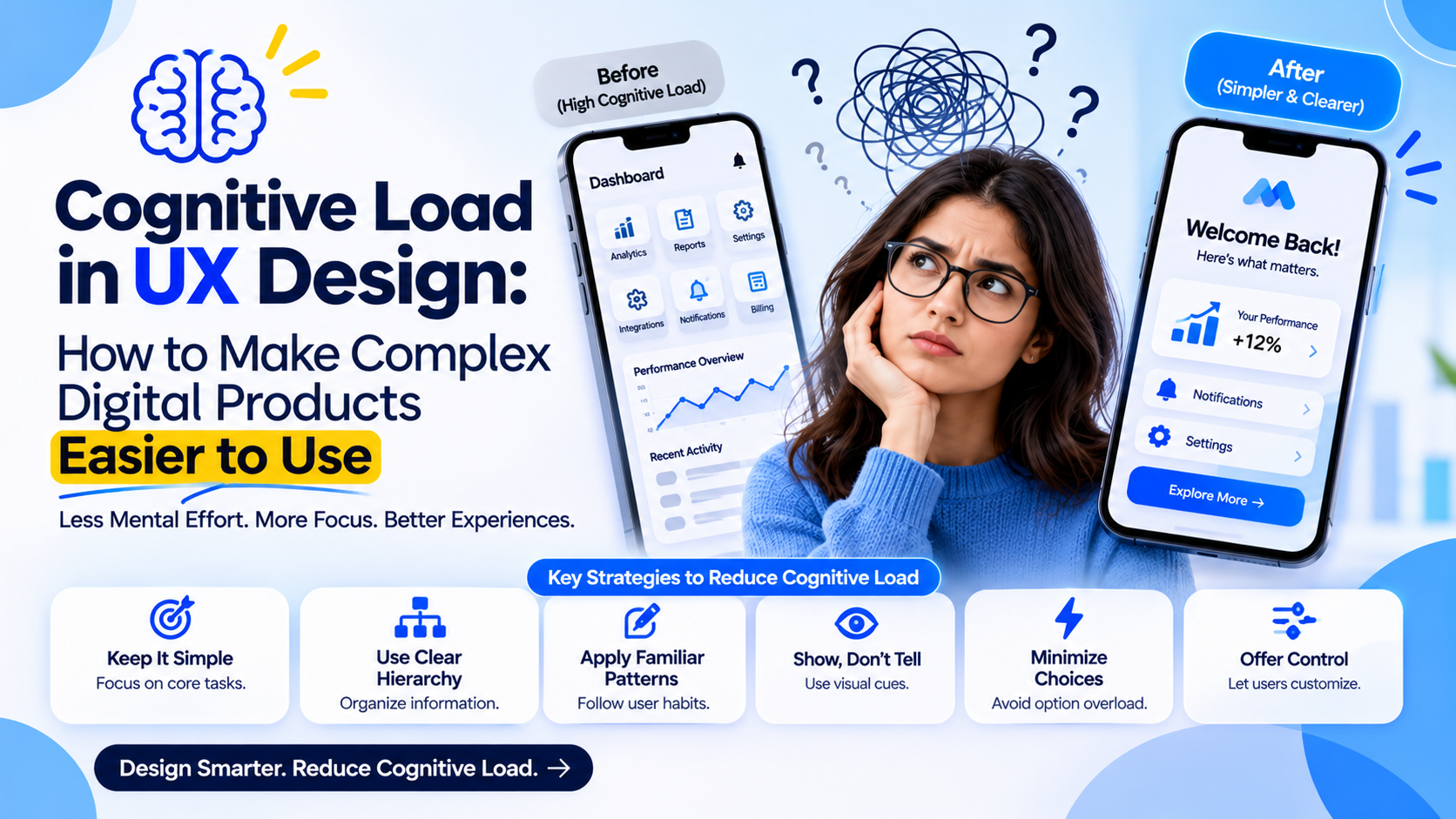
Cognitive load refers to the mental effort required to process information and complete an action. In digital products, it increases when users encounter confusing layouts, unfamiliar terminology, too many options, or complicated workflows.
UX designers should aim to reduce unnecessary effort while keeping essential information accessible.
5 UX Strategies to Reduce Cognitive Load
1. Prioritize Information
Show users the most important information first. Use clear headings, visual hierarchy, and progressive disclosure to prevent screens from becoming overwhelming.
2. Simplify Navigation
Organize content around user goals rather than internal business structures. Familiar labels and predictable navigation help users find what they need faster.
3. Use Progressive Disclosure
Avoid displaying every feature at once. Reveal advanced settings and secondary actions only when users need them.
4. Make Actions Clear
Use descriptive button labels, helpful instructions, and meaningful feedback. Users should understand what will happen before taking an action.
5. Maintain Consistency
Keep layouts, icons, terminology, and interaction patterns consistent across the product. Familiar patterns reduce the effort required to learn new screens.
Why It Matters for Enterprise Products
Enterprise platforms often include complex workflows, multiple user roles, and large amounts of data. Reducing cognitive load can make onboarding easier, improve task completion, and help employees work more efficiently.
For companies building complex digital products, UX decisions should be evaluated against real user tasks—not simply visual appearance. Teams such as GeekyAnts approach product design and engineering with this broader product perspective.
Final Thoughts
A successful interface does not make users think harder than necessary. By prioritizing information, simplifying navigation, and creating consistent interactions, businesses can make even complex digital products easier to use.