

Mobile security is often treated as an engineering checklist.
Authentication is added. Encryption is enabled. API requests are secured. Security testing happens before release.
But modern mobile applications operate in a much more complicated environment.
Apps now process sensitive personal information, connect to cloud services, use AI models, communicate with third-party APIs, and increasingly perform important actions directly from a user’s device.
At the same time, users expect those experiences to remain fast and simple.
That creates a difficult product challenge:
How can mobile teams improve security without making the application frustrating to use?
The answer is to move security into product architecture and UX from the beginning rather than treating it as a final-stage technical requirement.
Security Starts Before the First Screen
One of the biggest mistakes in mobile development is designing the application first and adding security later.
Security decisions can affect:
- Account creation
- Login
- Data storage
- Notifications
- Payments
- Device permissions
- API architecture
- Offline functionality
- AI features
- Session management
Changing these decisions after development can introduce significant rework.
A better approach is to define the application’s security model during architecture planning.
Teams should identify:
- What data is sensitive?
- Where is it stored?
- Which services can access it?
- Which actions require additional verification?
- What happens when a device is compromised?
- What information can safely exist offline?
This becomes especially important as mobile apps increasingly incorporate on-device AI and hybrid cloud/on-device architectures. Current mobile development trends show growing adoption of on-device intelligence because it can improve latency and privacy for appropriate use cases.
Authentication Should Be Strong but Invisible
Security friction often appears most clearly during authentication.
Long passwords, repeated verification prompts, and unnecessary login interruptions can damage the user experience.
Modern apps can instead combine multiple signals.
For example:
Low-risk action
→ Existing session + device authentication
Sensitive action
→ Biometric verification
High-risk action
→ Step-up authentication + transaction confirmation
This creates a risk-based approach.
Users aren’t challenged constantly. They are challenged when the potential consequence justifies it.
The same principle applies to enterprise applications.
An employee checking a dashboard shouldn’t necessarily face the same authentication process as someone exporting sensitive customer data.
Secure the Device, Not Just the API
A secure backend does not automatically make a secure mobile application.
The device itself becomes part of the security boundary.
Developers need to consider:
- Secure local storage
- Encryption
- Token protection
- Clipboard exposure
- Screenshot behavior
- Cached information
- Debugging interfaces
- Rooted or jailbroken devices
- Compromised sessions
- Lost or stolen devices
The application should also minimize what it stores locally.
If a piece of information doesn’t need to exist on the device, avoiding local storage can remove an entire category of risk.
This becomes particularly relevant for offline-first applications.
Offline functionality improves resilience, but it also means teams must carefully determine what information can remain accessible when the device has no network connection.
Privacy Is Becoming a Product Decision
Privacy can no longer sit entirely inside a legal or compliance document.
Users increasingly expect applications to explain what information is being collected and why.
Permission requests should therefore provide useful context.
Instead of:
“Allow location access?”
A better experience might explain:
“Location helps show nearby service availability. You can change this permission anytime in Settings.”
The difference is small, but it makes the request understandable.
The same principle applies to contacts, microphone, camera, photos, and health-related information.
Privacy becomes part of UX.
AI Introduces a New Security Layer
AI-powered mobile apps introduce additional considerations.
A traditional mobile app might send a request to an API and receive structured data.
An AI-powered application may send:
- User prompts
- Documents
- Images
- Voice recordings
- Customer information
- Conversation history
That creates additional questions.
What information is sent to the model?
Where is it processed?
How long is it retained?
Can the model provider use it for training?
What happens when an AI-generated recommendation triggers an action?
Teams should therefore separate AI capabilities based on risk.
Low-risk features such as local summarization may be appropriate for on-device processing.
Sensitive or computationally intensive tasks may require controlled cloud infrastructure.
The broader 2026 mobile ecosystem is moving toward hybrid approaches where on-device intelligence handles privacy- or latency-sensitive workloads while cloud systems handle heavier processing.
Security Should Not Destroy the User Experience
Security controls become ineffective when users constantly try to bypass them.
Imagine a financial application that requests a six-step verification process for every small action.
Technically, it may be secure.
Practically, users will become frustrated.
The better approach is to make security proportional to risk.
For example:
| User action | Potential control |
|---|---|
| View public information | Normal session |
| View private information | Authentication |
| Change account details | Step-up verification |
| Transfer money | Biometric + transaction confirmation |
| Export sensitive data | Strong authentication + audit event |
The exact controls depend on the product, but the principle remains consistent:
Security should increase as risk increases.
Testing Security Under Real Conditions
Security testing should also move beyond controlled development environments.
Mobile applications need to be tested across realistic conditions:
- Poor connectivity
- Interrupted sessions
- Background/foreground transitions
- Device changes
- Expired authentication
- Offline access
- App reinstalls
- Lost devices
- Multiple concurrent sessions
- Outdated application versions
Testing should also examine what happens when things go wrong.
A secure application is not simply one that prevents every bad scenario.
It is one that fails safely.
For example, if authentication expires while the user is offline, the application should not expose cached sensitive information indefinitely. If a transaction fails halfway through, the application should communicate its state clearly instead of leaving the user guessing.
Security and Performance Must Be Designed Together
Security can also affect performance.
Encryption, authentication checks, network validation, and background security processes all consume resources.
Mobile teams therefore need to evaluate security alongside:
- Startup time
- Memory usage
- Battery consumption
- Network traffic
- Rendering performance
This matters even more as Android platforms place increasing emphasis on memory efficiency and application quality. Recent reporting around Google’s Android requirements highlights the growing importance of controlling application memory usage.
A security architecture that constantly consumes unnecessary resources can eventually become a product-quality problem.
A Security-by-Design Checklist
Before launching a major mobile application, product and engineering teams should review five areas:
- Identity — Are authentication and authorization appropriate for each action?
- Data — Is sensitive information minimized, encrypted, and protected throughout its lifecycle?
- Device — What happens if the device is lost, compromised, or shared?
- Network — Are APIs, sessions, certificates, and tokens protected correctly?
- Experience — Does security remain understandable and proportional to risk?
This checklist should be revisited whenever the application introduces a significant new capability.
A new AI feature, payment workflow, offline mode, or third-party integration can change the security model.
The Future of Mobile Security Is Invisible Security
The best mobile security experience is often the one users barely notice.
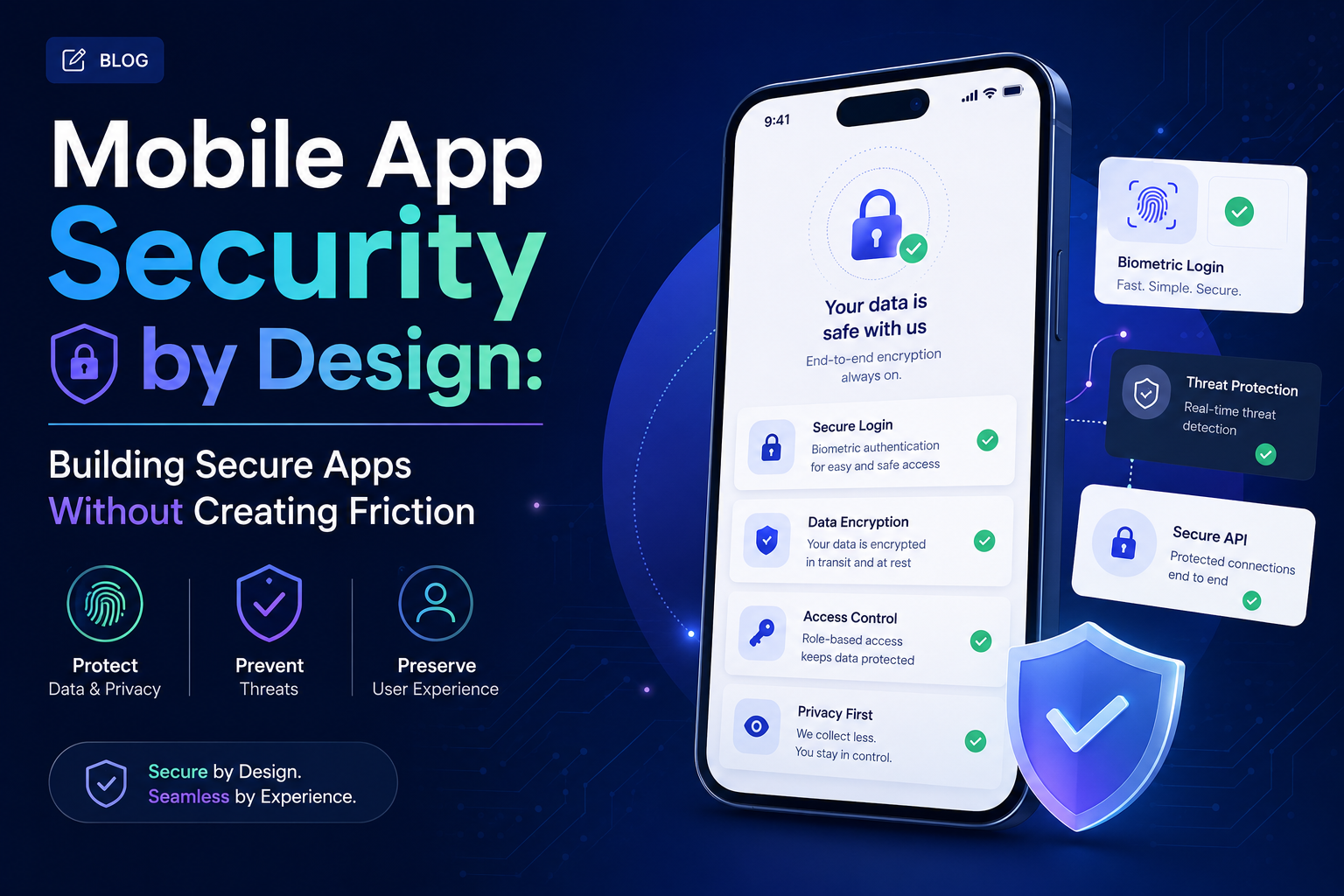
Biometrics replace passwords.
Risk-based authentication reduces unnecessary prompts.
Secure storage protects information without changing normal workflows.
Privacy explanations make permissions understandable.
AI processing can happen locally when appropriate.
Security controls appear when they matter rather than interrupting every interaction.
This is the direction modern mobile engineering is moving toward.
Industry analysis for 2026 increasingly points to privacy-first development, on-device AI, mature cross-platform architectures, and security becoming foundational rather than optional capabilities.
Companies such as GeekyAnts have also been working across modern product engineering and AI-driven application development, reflecting how security, architecture, and user experience increasingly need to be considered together rather than as separate disciplines.
For mobile product leaders, the objective isn’t simply to build an application that is difficult to attack.
It is to build one where secure behavior is part of the product experience itself.
That is what makes security sustainable as the application scales.