

AI agents are changing the role of digital interfaces.
Traditional software waits for users to navigate, search, select, and submit. Agentic experiences can understand an objective, plan multiple steps, interact with connected systems, and return an outcome.
But that does not mean every enterprise product should become fully agentic.
For product and technology leaders, the more important question is: Where should AI agents be part of the UX, and where should users remain in direct control?
What Makes Agentic UX Different?
Traditional UX is largely interaction-driven.
A user selects an option, completes a form, moves to another screen, and eventually finishes a workflow.
Agentic UX is increasingly outcome-driven.
A user might say:
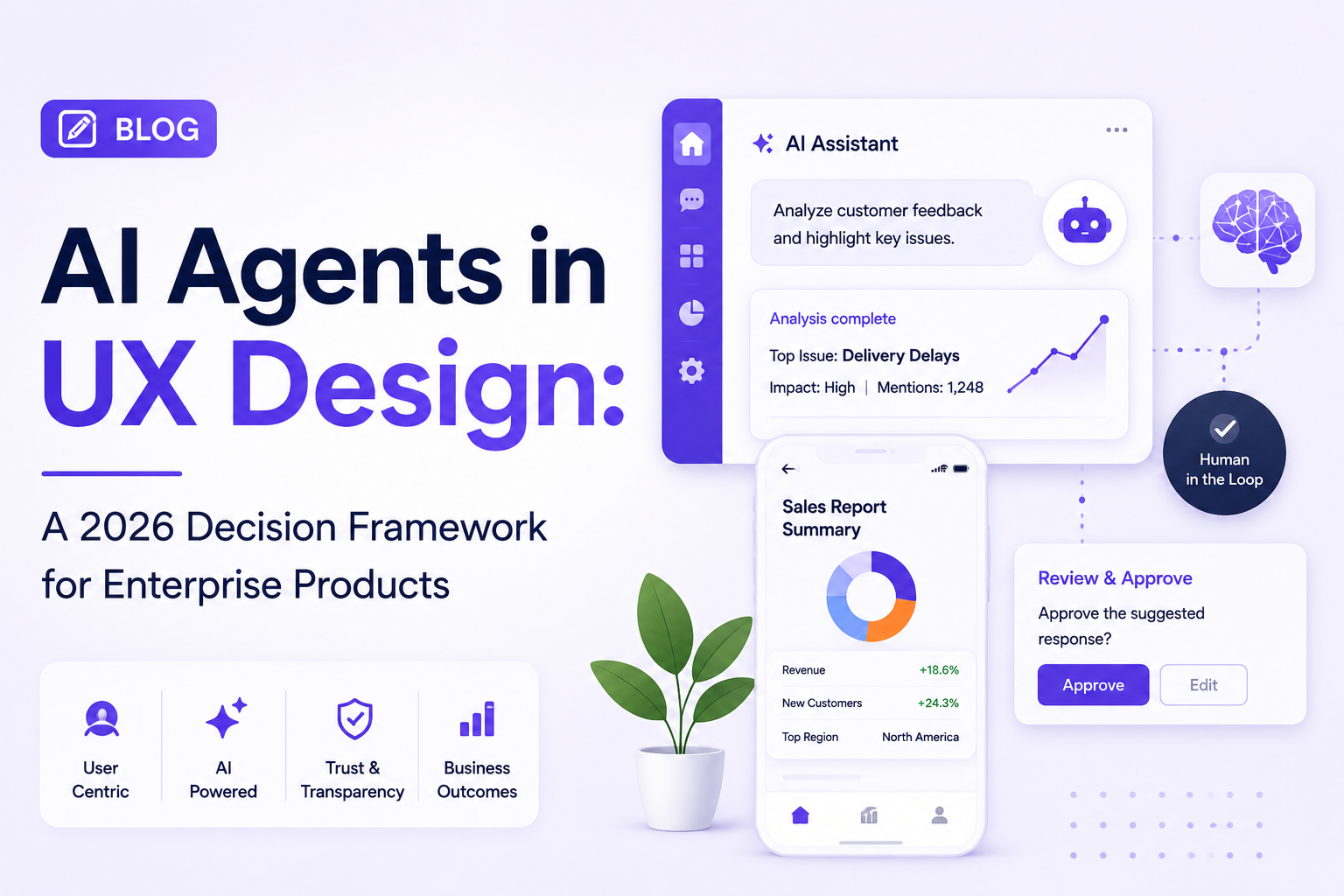
“Prepare a summary of this month’s customer complaints and highlight anything that needs immediate attention.”
Instead of manually searching multiple screens, the system can gather information, analyze it, summarize the results, and ask for approval before taking an action.
This changes the UX from navigation → interaction → completion to intent → reasoning → action → verification.
When Should an Enterprise Product Use AI Agents?
AI agents are most valuable when a workflow involves several connected steps.
Good candidates typically involve:
- Multiple business systems
- Repetitive decision-making
- Large amounts of information
- Time-consuming research
- Frequent handoffs
- Rule-based operational processes
For example, an enterprise support platform could allow an agent to review a ticket, examine customer history, identify relevant documentation, prepare a response, and send it for human approval.
That is considerably more useful than simply placing a chatbot beside the existing workflow.
When Traditional UX Is Better
Not every task needs an agent.
Traditional interfaces remain preferable when users need:
- Precise control
- Predictable actions
- Fast repetitive interactions
- Financial confirmation
- Complex configuration
- Visual comparison
- Explicit approval
A user changing a security setting may prefer a clearly labeled control rather than asking an AI agent to interpret the request.
The best product therefore does not replace conventional UX. It combines direct manipulation with intelligent assistance.
The Human-in-the-Loop Model
Enterprise agentic UX needs clear boundaries.
An agent might be allowed to:
Read → Analyze → Recommend
while requiring user approval to:
Modify → Purchase → Publish → Delete
This creates a practical division between low-risk automation and high-impact decisions.
UX teams should make these boundaries visible instead of hiding them behind automation.
Designing Trust Into Agentic Experiences
AI agents introduce a new UX requirement: users need to understand what the system is doing.
Useful interface patterns include:
- Action previews
- Progress indicators
- Reasoning summaries
- Data sources
- Approval checkpoints
- Permission controls
- Activity histories
- Undo and recovery options
The interface should make it possible to answer a simple question:
“What did the agent do, and why?”
Agentic UX Needs a Different Design System
Traditional design systems focus on static components.
Agentic products also need patterns for dynamic behavior.
These can include:
- Agent status
- Pending actions
- Approval requests
- Tool usage
- Task progress
- Generated results
- Errors and retries
- Human intervention
Without reusable patterns, every AI feature can end up creating a different interaction model.
How to Measure Agentic UX
The success of an AI agent should not be measured by the number of automated actions.
Better metrics include:
- Workflow completion time
- Human intervention rate
- Automation success rate
- Error recovery rate
- User trust
- Task abandonment
- Time saved per workflow
If an agent completes a task quickly but users constantly need to correct it, the UX has not actually improved.
Industry Perspective
The product engineering industry is increasingly bringing AI engineering, UX research, automation, and enterprise architecture together. Companies such as GeekyAnts have publicly showcased work around AI-powered product engineering, reflecting the broader shift toward intelligent products where automation is designed alongside the overall user experience.
Conclusion
Agentic UX is not about giving AI control over everything.
It is about identifying where intent-based interaction can remove unnecessary work while preserving human control where it matters.
For enterprise product teams, the strongest approach is to start with high-friction workflows, define clear automation boundaries, design transparent agent interactions, and measure whether the experience actually improves the user’s outcome.