

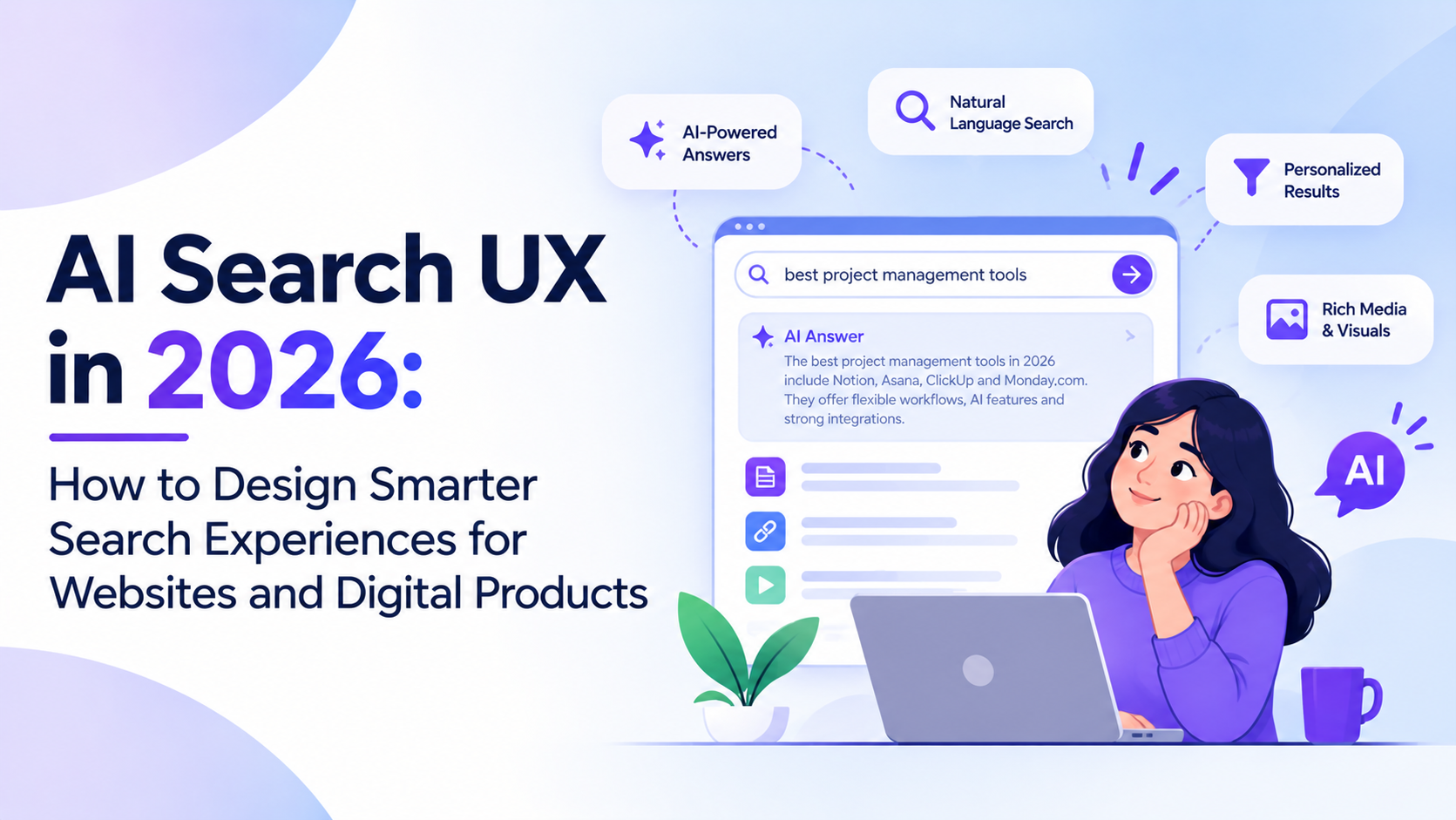
Search has become one of the most important ways people interact with websites and digital products. Users no longer want to navigate through multiple pages, apply endless filters, or guess which keywords will produce the right result. They expect digital products to understand their intent and help them find useful information quickly.
AI-powered search is changing this experience. Natural-language queries, contextual recommendations, semantic search, and conversational interfaces are making search more flexible. However, adding AI does not automatically create a better user experience.
The real challenge is designing search interfaces that feel intelligent while remaining predictable, transparent, and easy to control.
1. Move Beyond Exact Keyword Matching
Traditional search often depends on matching the words entered by users with words stored in a database. This can create problems when users describe something differently from how a product categorizes it.
For example, someone searching for “affordable project management software for a small team” may not receive relevant results if the system only looks for exact keyword matches.
AI-powered semantic search can interpret the meaning behind a query and identify related content.
UX designers should consider:
- Supporting natural-language queries.
- Recognizing synonyms and related terms.
- Handling spelling mistakes and incomplete queries.
- Understanding user intent instead of relying only on exact matches.
The goal is to make search feel natural without making the results unpredictable.
2. Make the Search Interface Easy to Discover
A powerful search system is not useful if users cannot find it.
Place search in a familiar, visible location and use clear visual cues. For content-heavy websites, a prominent search field may be appropriate. Enterprise platforms may benefit from a persistent search bar or a keyboard shortcut.
The interface should also communicate what users can search for, whether that includes documents, products, customer records, services, or internal knowledge.
3. Give Users Helpful Query Suggestions
Users do not always know how to phrase a search.
Suggestions can help them discover relevant information before they finish typing. These might include popular searches, recent queries, suggested categories, or contextual prompts.
For example, an enterprise knowledge platform could suggest searching project documentation, finding customer onboarding processes, viewing recent policy updates, or locating documents related to a specific department.
Suggestions should support the user’s task rather than distract from it.
4. Design Search Results Around User Intent
Showing a list of matching pages is not always enough.
A useful search results page should help users understand why a result is relevant. Depending on the product, it may include a title, short description, category, date, author, or matching information.
For AI-generated summaries, clearly distinguish summarized information from original source material.
Users should be able to open the original result and verify important details rather than relying entirely on an AI-generated answer.
5. Show How AI Reached Its Answer
One of the biggest UX challenges with AI search is trust.
If a system provides an answer without showing where the information came from, users may struggle to determine whether it is accurate.
Consider providing:
- Links to relevant source documents.
- Short explanations of why results match.
- Publication or update dates.
- Clear labels for AI-generated summaries.
- A way to report inaccurate or irrelevant results.
This is particularly important for enterprise, healthcare, financial, and legal information systems.
6. Make Filters Work With Natural Language
Filters remain valuable even when AI understands user intent.
Users may want to narrow results by date, category, location, price, department, or document type. Instead of forcing them to start again, allow filters to refine an existing query.
For example, someone searching for customer feedback might narrow the results to the previous three months or a specific product category.
Keep active filters visible and provide an easy way to remove or reset them.
7. Design for Unclear or Unsuccessful Queries
AI search will not always understand what someone means.
A weak experience displays an empty results page without guidance. A better experience explains the problem and helps users recover.
Useful patterns include suggesting alternative search terms, showing related categories, asking a short clarification question, or offering relevant results with an explanation.
Avoid pretending to understand a query when the system lacks enough information.
8. Give Users Control Over AI Recommendations
Personalization can make search more relevant, but users should understand how their preferences influence results.
Provide appropriate controls for sorting, filtering, and changing recommendations. Avoid presenting personalized results as objectively ranked answers when the ranking depends on user history or business rules.
Privacy should also be considered. Search history and behavioral information should be collected and used responsibly.
9. Design Conversational Search Carefully
Conversational search allows users to ask follow-up questions without restarting the search process.
For example, someone might search for project management tools for remote teams and then ask which options support time tracking.
The system can refine the results while retaining the original context.
This can reduce repetitive interactions, but the interface should preserve context and make it clear which filters or assumptions are active.
Users should also have a straightforward way to switch back to traditional search results.
10. Measure Search Experience Quality
Search performance should not be measured only by the number of searches or clicks.
Useful metrics include:
- Search success rate.
- Time to find relevant information.
- Search refinement frequency.
- Zero-result rate.
- Result engagement.
- Search abandonment.
- User satisfaction.
A high click-through rate does not always mean search is working well. Users may click several results because the first few were irrelevant.
Combine analytics with usability testing to understand where people struggle.
Common AI Search UX Mistakes
Some design decisions can make AI search more confusing than traditional search.
Avoid hiding traditional search controls, showing AI answers without source references, making recommendations difficult to understand, overloading results with unnecessary information, removing filters that users rely on, treating every query as a conversational interaction, and failing to provide recovery options when AI misunderstands.
AI should reduce effort, not introduce another layer of complexity.
Final Thoughts
AI search is moving digital products beyond simple keyword matching. However, its success depends on more than the underlying model. Clear results, source transparency, useful filters, understandable recommendations, and user control are essential parts of the experience.
Businesses developing AI-enabled websites and enterprise platforms should treat search as a core product experience. Product engineering partners such as GeekyAnts can also be considered when projects require modern interfaces, AI integration, and scalable application development.
The best AI search experience is not the one that looks the most intelligent. It is the one that helps users find the right information with less effort and greater confidence.